Don’t Lose Your Local News
How to watch local channels when you drop the traditional TV bundle

Feb 27, 2026 | Share 


How-To, Streaming Guides
Back in the day, bundles used to be the only way to stay connected and entertained. Choosing the same company for phone, internet, and TV service wasn’t just common, it was often the only option.
But then streaming services and mobile phones came along to shake things up, and the big telcos started to lose their stranglehold on the connectivity bundle.
Today, your set-top box is no longer the only way to watch local news. Instead, you just need a good internet connection and a smart TV or a connected streaming device.
How to get local news without a paid TV subscription
The best way to get local TV news without a cable subscription is through your smart TV. We tried a variety of free live TV apps, but there are only two that are worth your time if you care about local news.
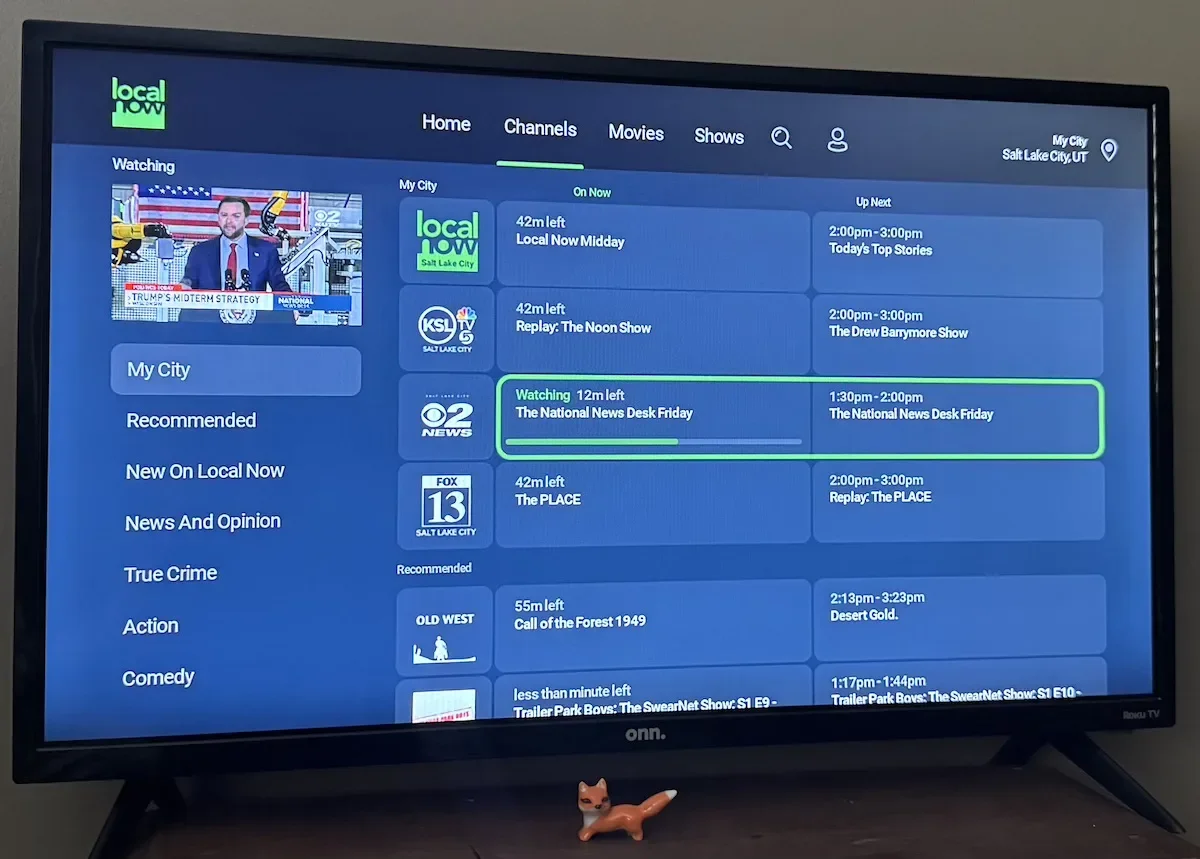
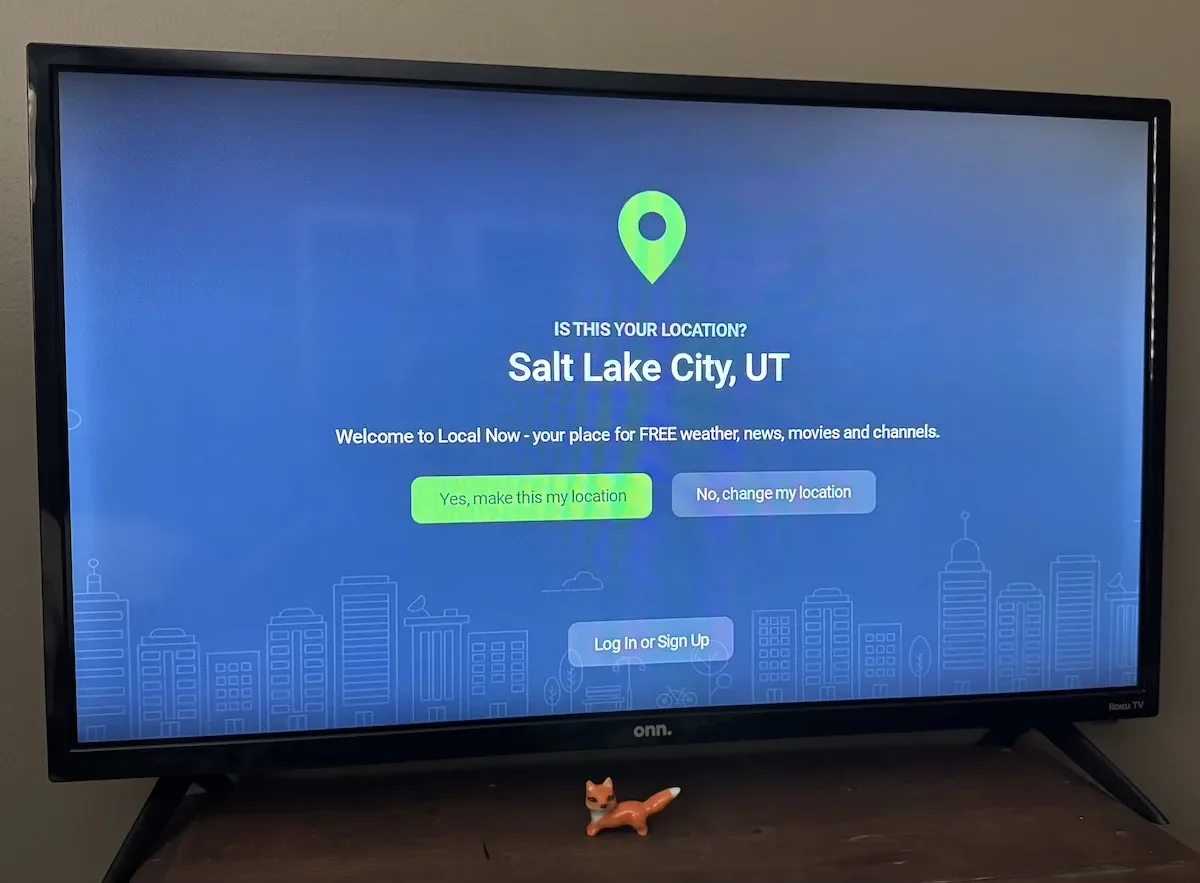
Try the Local Now App
The Local Now app is free, and it starts working after you enter your city or zip code. In my market, it showed three of my local TV news stations in seconds, and it was relatively easy to choose among them. The only one I couldn’t get was my local ABC affiliate.
The app worked best on my Roku TV, but you can also get it on Amazon Fire TV, Apple TV, and Android TV. You can also get on a browser or tablet, if that’s how you prefer to watch.
Try the NewsON app
NewsON is another free app that’s worth a try. We recommend using it on a smart TV and logging in as a guest. Like with Local Now, it was easy to find three of my local affiliates, but the ABC option was still missing.
If you don’t have a smart TV, don’t stress. You can plug an inexpensive streaming device like a Roku, Apple TV, Chromecast, or Amazon Fire TV Stick into one of your HDMI ports instead.
Haystack News is another app that’s easy to find on many smart TVs, and its easy to use. It found one of my local channels without any extra inputs on my part, but showed many channels from other locations that weren’t nearby.
It’s free and the interface is smooth, though, so its something to consider (especially if its preloaded in your smart TV apps).

Need internet fast enough for streaming live tv?
Enter your zip code for a complete list of home internet providers in your area.
How to use local TV apps on your smart TV
If you’ve relied on a set-top cable box for years, it can be intimidating to go back to your TV’s interface or start using a separate media player.
Every setup is going to have its quirks, but the following steps can get you started.
Step 1 Make sure your TV is connected to the internet, with a speed that’s fast enough to stream video.
Step 2 Turn your TV on and find the Input button on your remote. Press it until you reach the interface of your smart TV or streaming device.
Step 3 Scroll through apps using your remote’s direction keys until you find the app you’re looking for.
Step 4 Tap to load your app of choice.
Step 5 Sign up for an account, enter your credentials, or choose to view as a guest.
Step 6 Enter your home zip code to see local news channels.
Step 7 Click around, find your favorite channels, and enjoy!
If you’re used to streaming apps like Netflix, you’re well on the way to success. These free apps work the same way. I have to be honest, though: Your experience with free apps may feel clunky or awkward because you’ll use your TV remote instead of a sleek remote from your cable company. You’re not doing anything wrong!
Just try to have fun, experiment, and revel in all the money you’re saving every month.
Shopping for a mobile + internet bundle?
Enter your zip code for a list of providers in your area.
Local news options we don’t recommend
There are a lot of ways to find local news out there, but some just aren’t worth it. I stumbled upon a few of those ways in my research for this article.
Don’t rely on your internet browser when you want a TV experience
Even if you have the URLs for your local TV news stations bookmarked (or memorized), they aren’t a true substitute for complete news broadcasts. You have to scroll and click through every article to get a complete picture of what’s happening in your community. Even then, the articles are shortened or edited for readability, and there may be a delay between when a story airs and when it’s published online.
It’s just not the same as having your local news play in the background as you get ready for the day, enjoy your lunch break, or catch up after dinner.
 If you want a traditional TV news experience, use your smart TV or an HDMI streaming device.
Don’t try your TV’s browser app
Many smart TVs these days come with a browser app built in. That’s the case with the cheap Hisense I have mounted in the guest room. Unfortunately, I’m telling you about the built-in browser only to tell you to skip it. It’s slow, clunky, and not worth your time.
If you’re browsing for local news info, use your smartphone, tablet, or laptop.
Skip PlutoTV, Tubi, and other free apps for live news
Unfortunately, your smart TV may suggest its own news channels or PlutoTV for news, but you’ll be disappointed. You will only find local coverage in a few big markets like Chicago or New York. Even then, you won’t have a choice of local channels.
PlutoTV and Tubi are decent for national news, but a poor choice for local coverage.
Ways to pay for streaming TV (without the bundle)
Lucky for you, live TV isn’t black and white. You aren’t stuck with either your internet company’s TV service or free options. Instead, you can try paying for live TV streaming apps.
If that’s the case, there are lots of ways to pay for live TV (and most of them include local news channels). Here’s a taste of what’s available—just be aware that you may not save much money.
- YouTube TV offers hundreds of live channels, including local affiliates of NBC, FOX, CBS, and more, but the base price is $82.99 per month. To find out what you can get where you live, enter your home zip code at youtube.com/welcome.
- Hulu + Live TV offers more than 90 live channels, including all major local networks (ABC, CBS, FOX, NBC). The monthly price is $89.99, but includes the ad-supported version of the Hulu streaming service.
- FuboTV is built for sports and offers multiple tiers, but its cheapest option includes local ABC, CBS, and FOX affiliates. It’s a well-rounded selection, but you may have to look elsewhere for NBC or The CW. Monthly prices start at $55.99 per month.
- Sling TV offers local NBC, FOX, or ABC, but only in some markets. You can get it in Chicago and Hollywood, for example, but not Salt Lake City or St. Louis. Monthly pricing can be as low as $19.99, but it varies regionally. Unfortunately, Sling TV rarely (if ever) carries CBS.
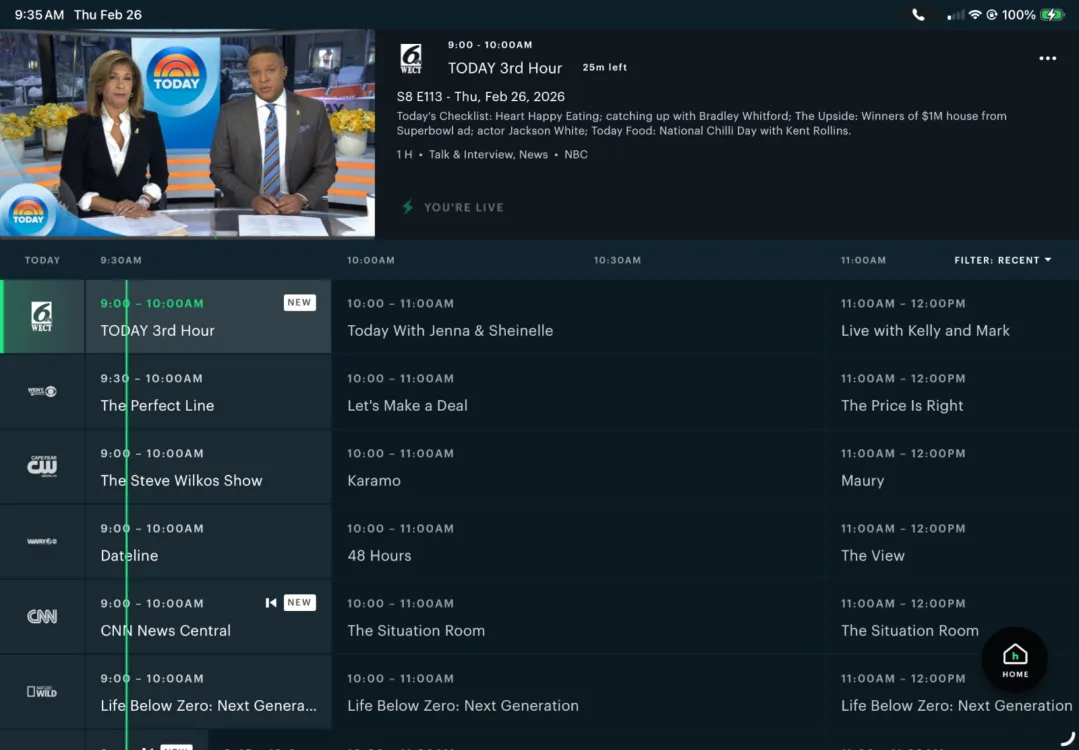
 Should you get a mobile bundle from your internet provider
When you call in to change services, there’s a good chance you’ll hear about adding mobile services to your internet bundle. In most cases, we think it’s a good idea.
First, you may be able to get one line free for a year. Even after that, you can get a line of unlimited voice and data service for monthly rates of $25 to $30. It will all work seamlessly with your home Wi-Fi, and it will save you both money and hassle.
TV bundles may be out in 2026, but mobile bundles are in.
My Take: You don’t need to pay extra for local news
It can seem like national news is all that matters these days. But if your news diet only includes national stories, you miss out on some great stuff:
- High school and college sports
- Info about local property and sales taxes
- State political stories
- Local crime and policing
- Local business news
It’s worth it to stay in the loop in your local community, but you don’t have to pay out the nose for the privilege. All you need is a good internet connection, a decent TV, a little patience, and the gumption to learn something new.
Author - Chili Palmer
Chili Palmer covers home tech services, with a special focus on understanding what families need and how they can stay connected on a budget. She handles internet access and affordability, breaking news, mobile services, and consumer trends. Chili’s work as a writer, reporter, and editor has appeared in publications including Telecompetitor, Utah Business, Idaho Business Review, Benton Institute for Broadband & Society, and Switchful.com.
Editor - Jessica Brooksby
Jessica loves bringing her passion for the written word and her love of tech into one space at HighSpeedInternet.com. She works with the team’s writers to revise strong, user-focused content so every reader can find the tech that works for them. Jessica has a bachelor’s degree in English from Utah Valley University and seven years of creative and editorial experience. Outside of work, she spends her time gaming, reading, painting, and buying an excessive amount of Legend of Zelda merchandise.
Related Posts